
How To Replace The Headband on Bose QC35 Headphones
Buy Bose Headband here:
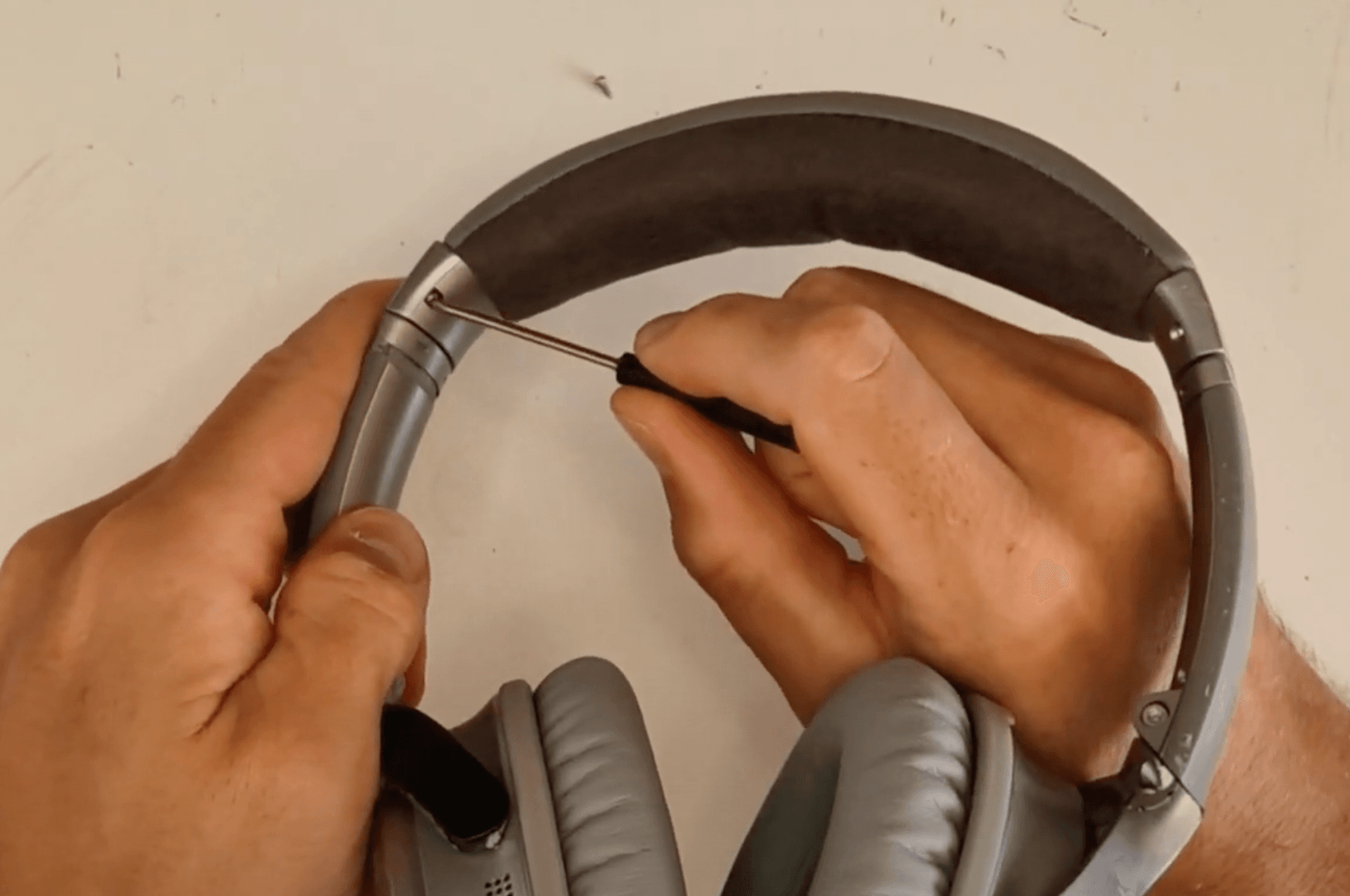
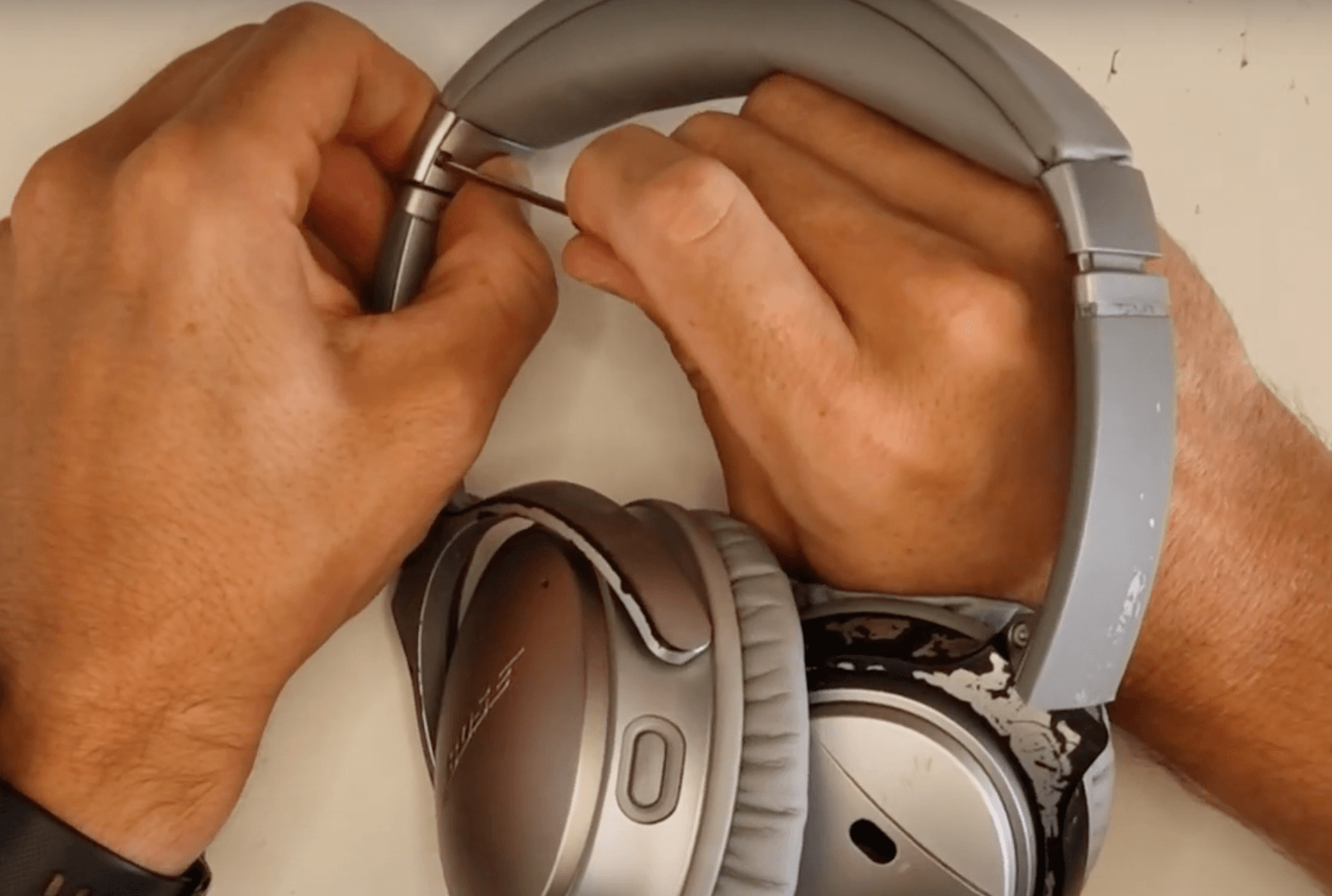
1. Unscrew the two screws on that hold together the 'tabs' on either side of the headband
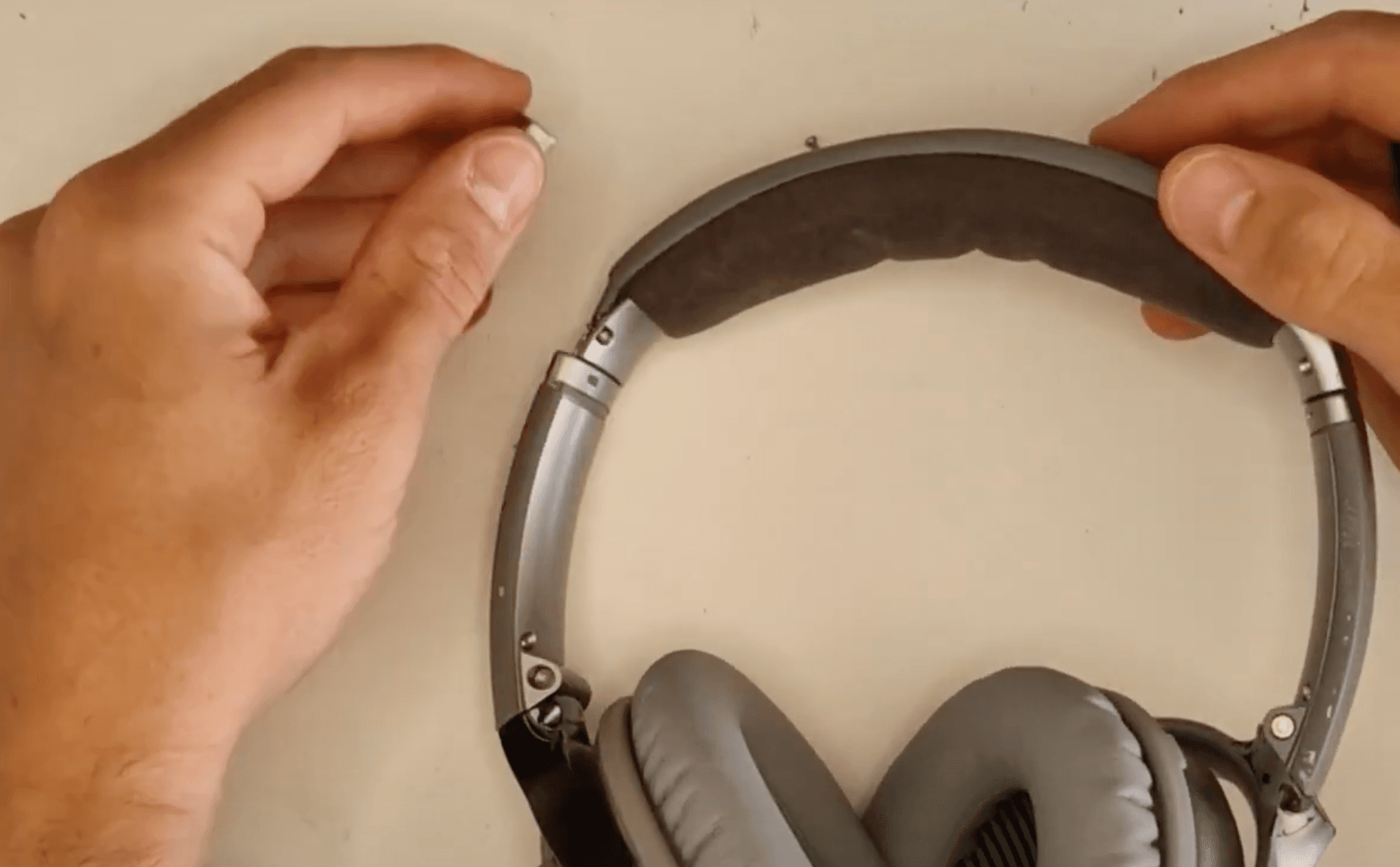
2. Remove the both side of the tabs once unscrewed
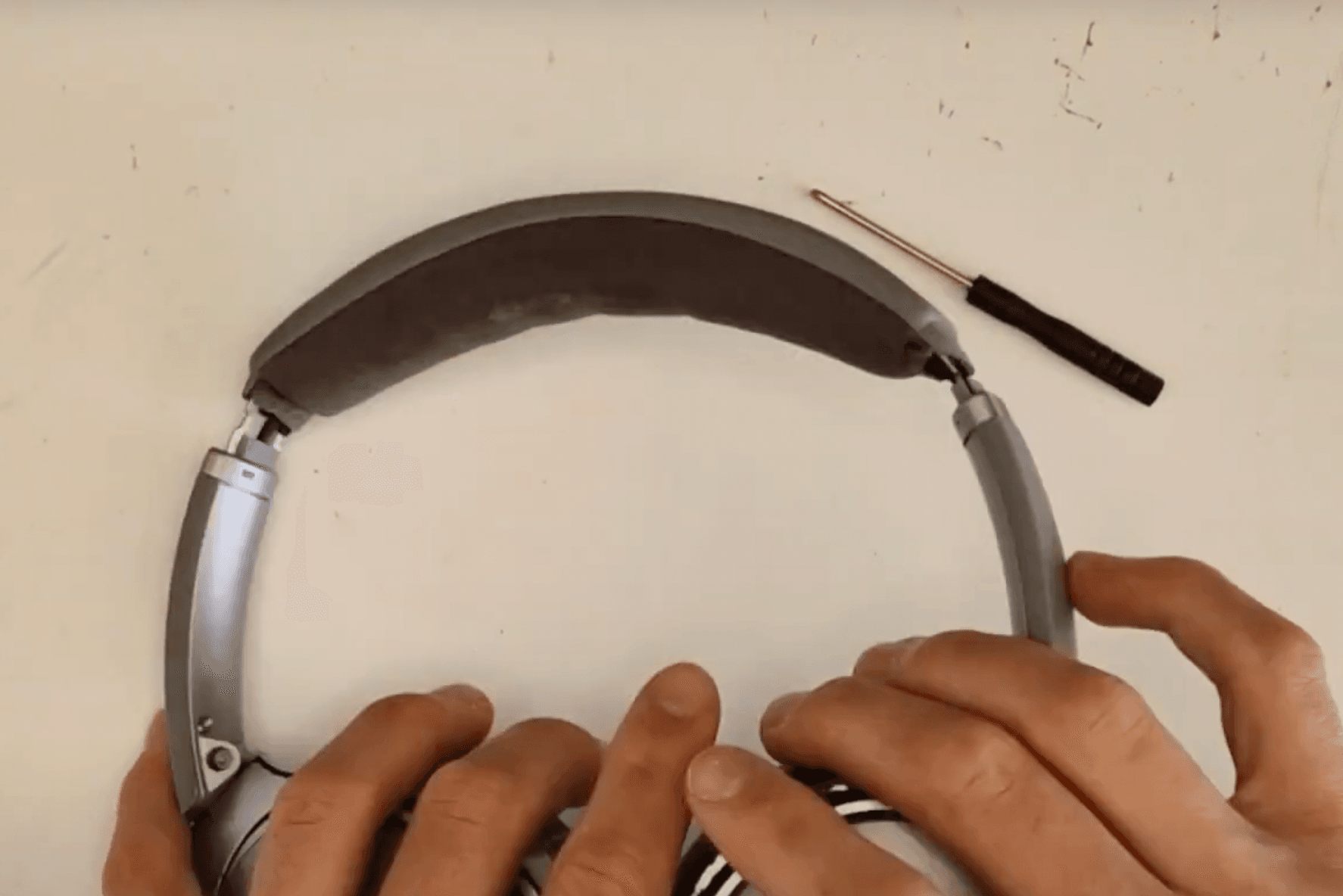
3. Repeat this with both sides until your headphones looks like this
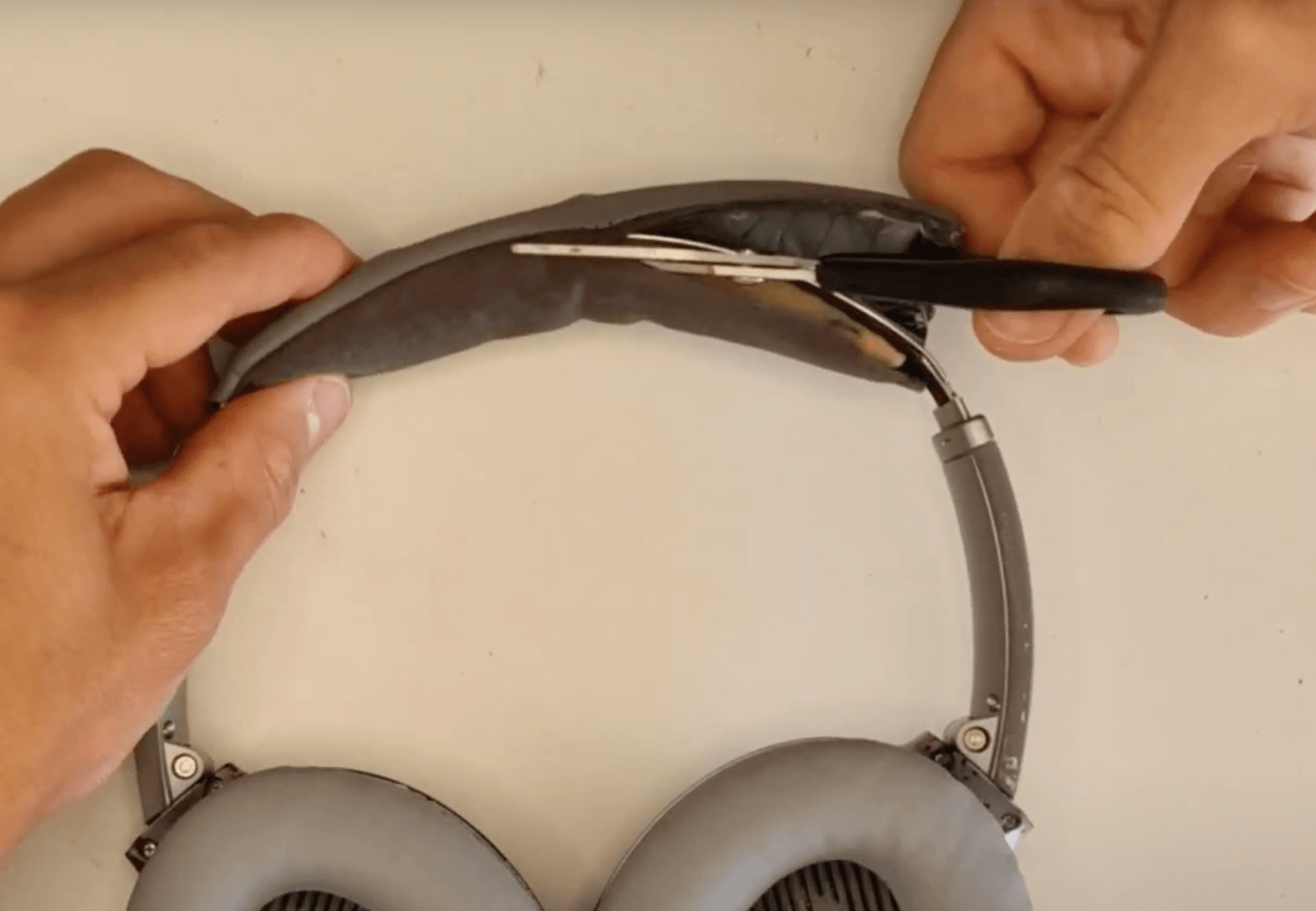
4. Now simply cut the fabric part of the headband off
5. Remove the sponge and any part of the headband that isn't the metal frame or internal wiring
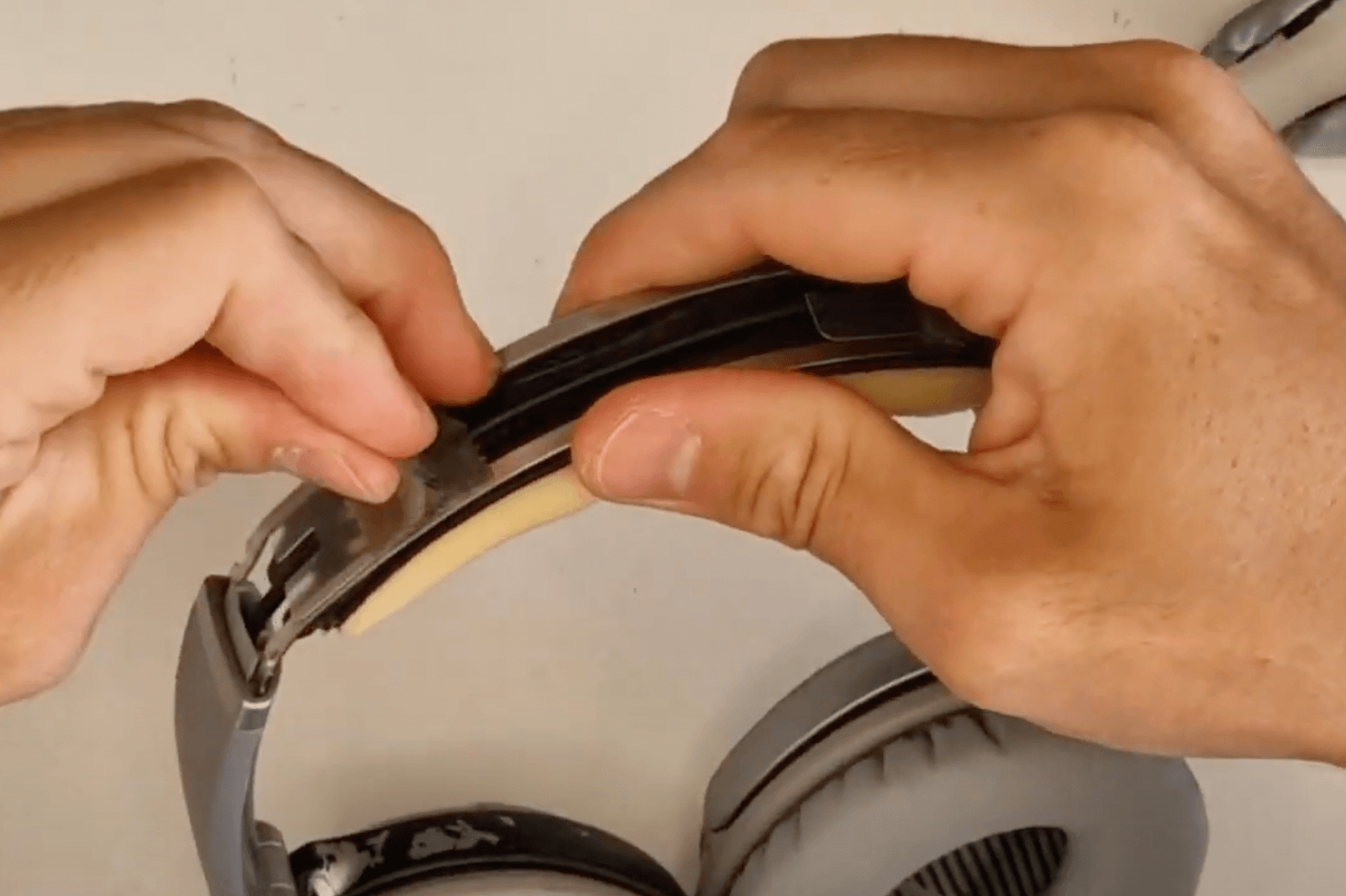
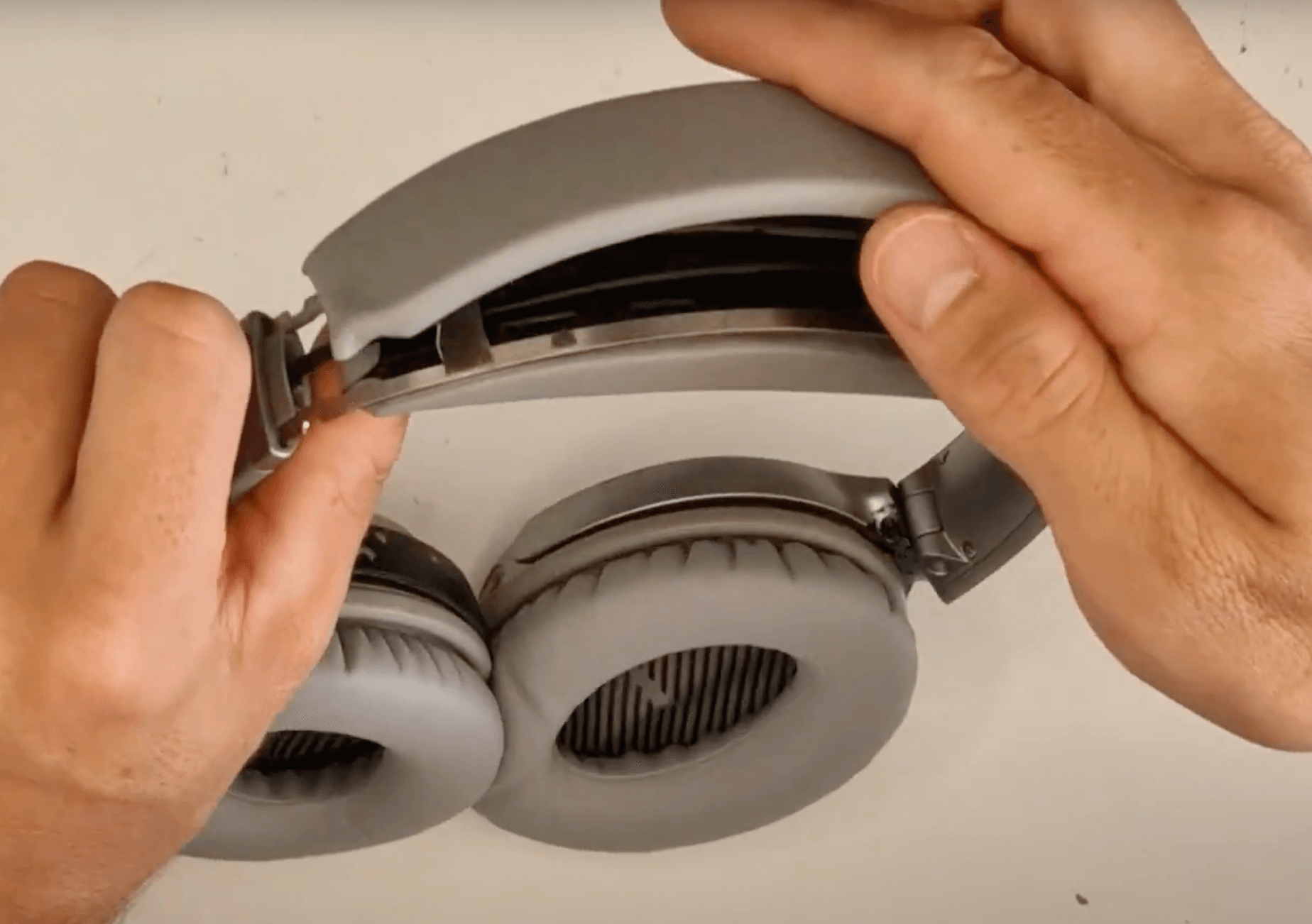
6. Position both parts of your new headband centrally using the metal frame as a guide
7. Apply pressure to both parts so that they click securely into place
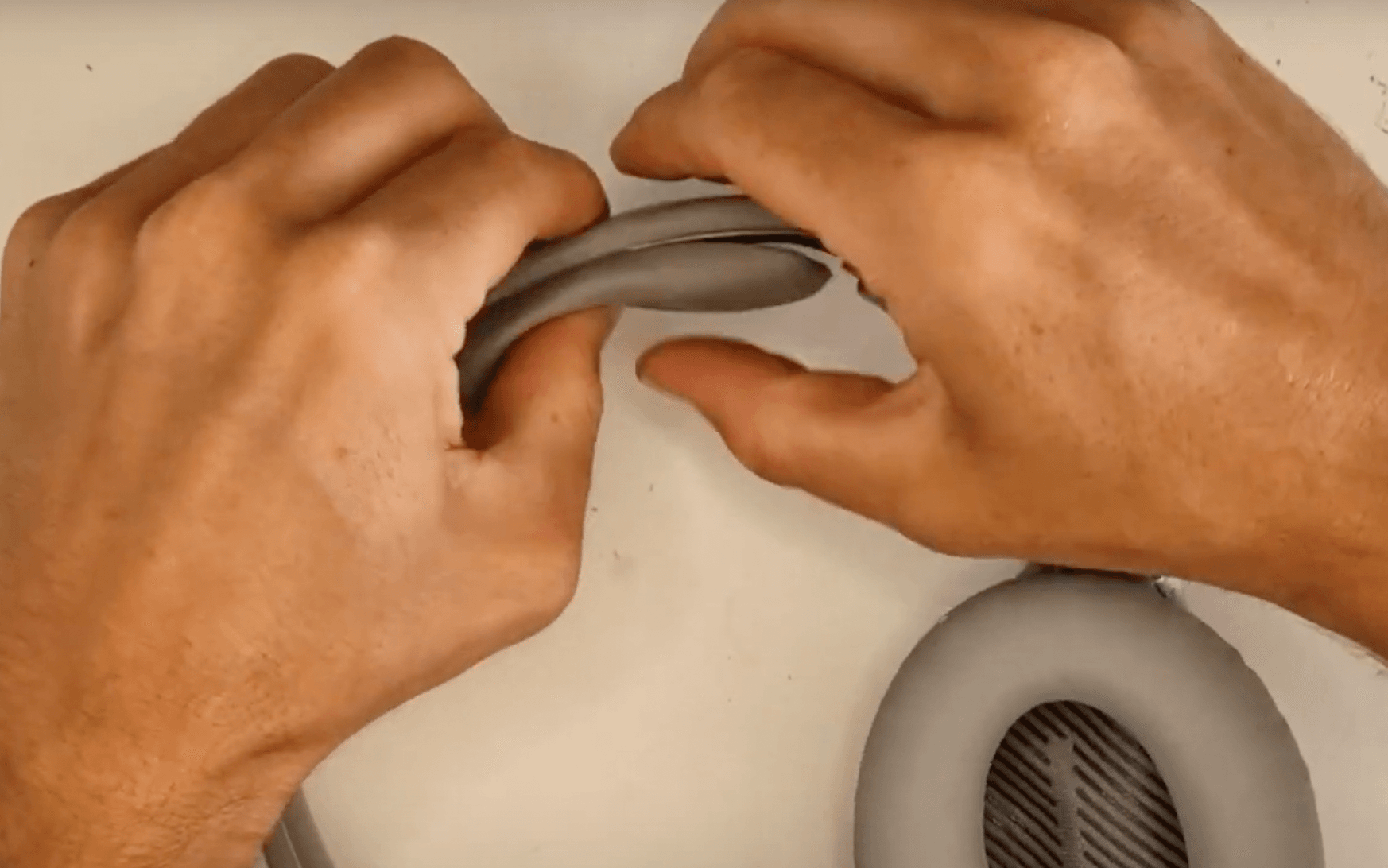
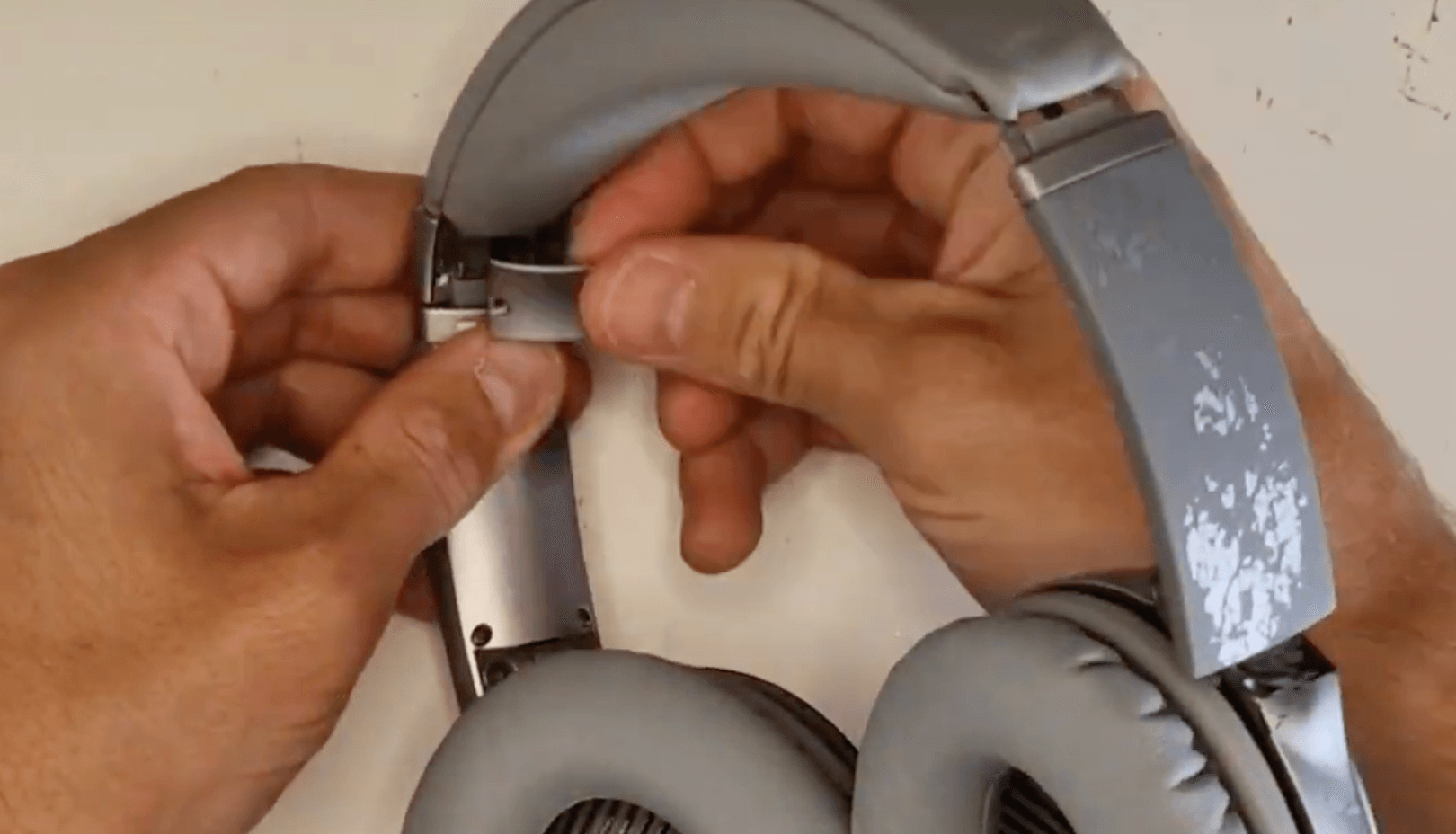
8. Apply the two parts of the tabs that will slightly overlap the headband and keep it securely in place
9. Complete this step on both sides and secure in place with it's two screws
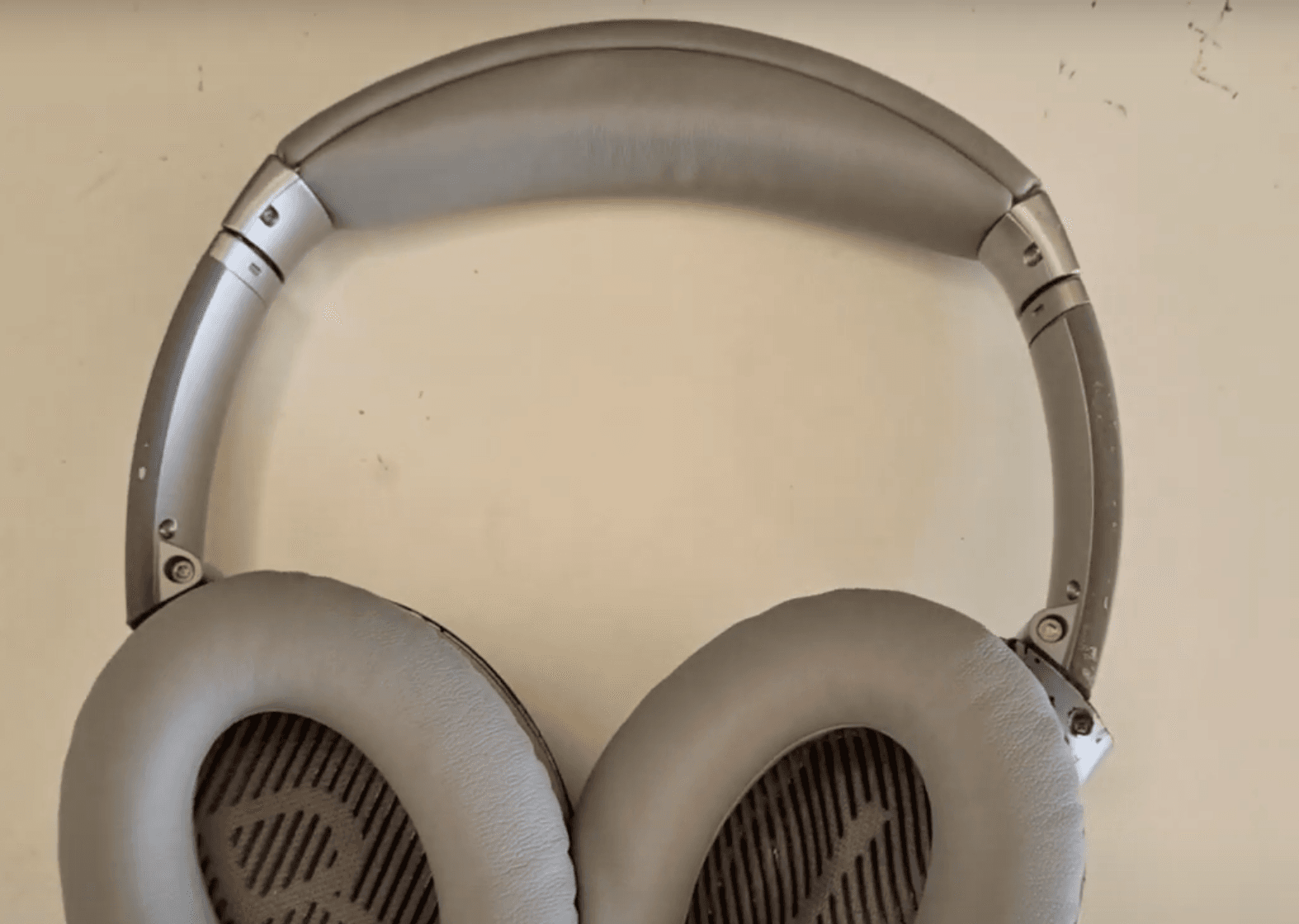
That's the repair complete and that's your headband looking as good as new!
How To Replace Ear Pads on Bose Quiet Comfort 35 Headphones
 Alternatively, place an order for a Bose QC35 headband replacement service:
In this simple, step by step tutorial, I’ll show you how to replace the headband on your Bose Quiet Comfort 35 headphones. Whether your current headband is worn out or you're just looking to refresh the look and feel of your headphones, this guide will help you get the job done quickly and easily.
What you’ll need:
Replacement headband
A small phillips screwdriver (provided)
Patience and a little time!
You can watch a video of this tutorial below: